Example workflow
From real tools to operating flow
- 01Expense/request form
- 02Store documents in SharePoint
- 03n8n reminds approvals
- 04Dashboard groups costs and status
By business type
Design internal data flows for documents, approvals, reconciliation, and management reporting without replacing accounting work.
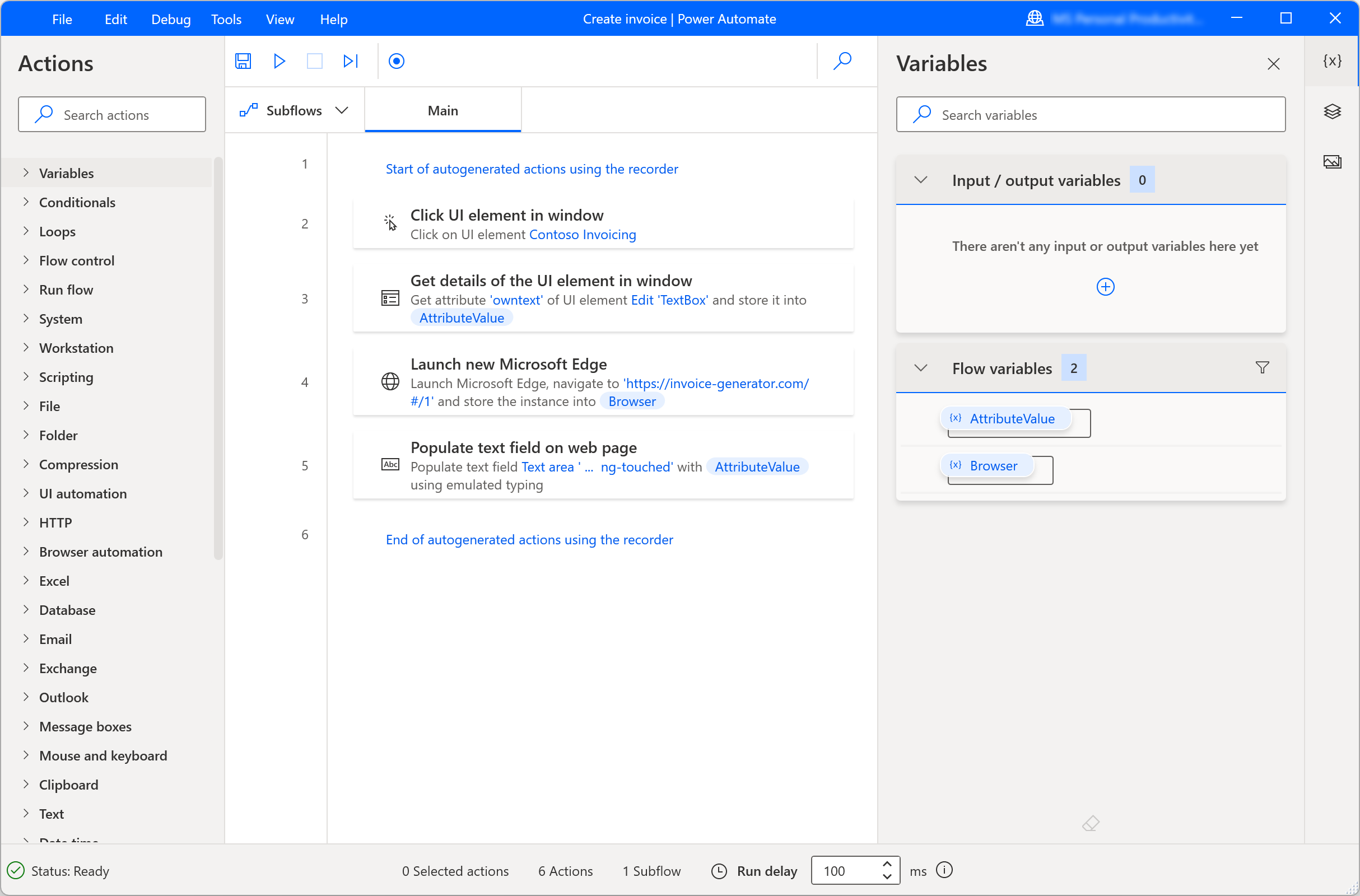
Example workflow
SMEs with internal accounting, many revenue/cost files, and manual document approval.
Data is collected, documents have status, approval rules are visible, and management reports are easier to check.
Quick questions
No. It cleans up the operating workflow around the accounting software already in use.
Yes. Rules can depend on amount, team, owner, and document status.
All use cases
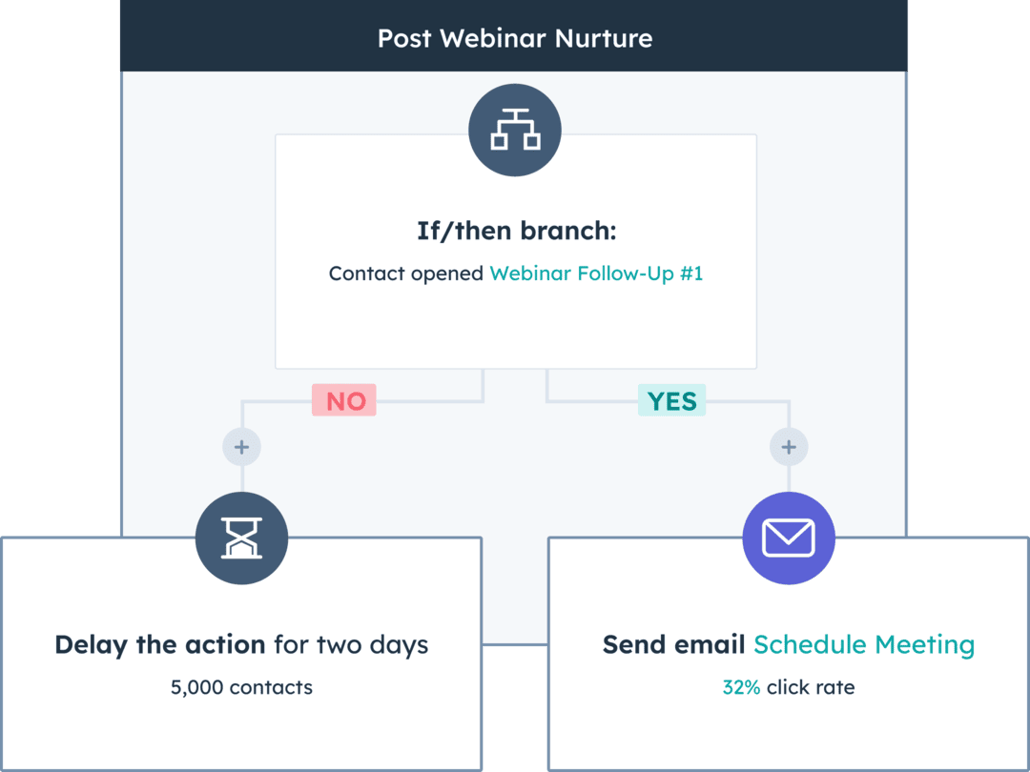
Leads, HubSpot/custom CRM, quotes, follow-up reminders, and campaign reports.
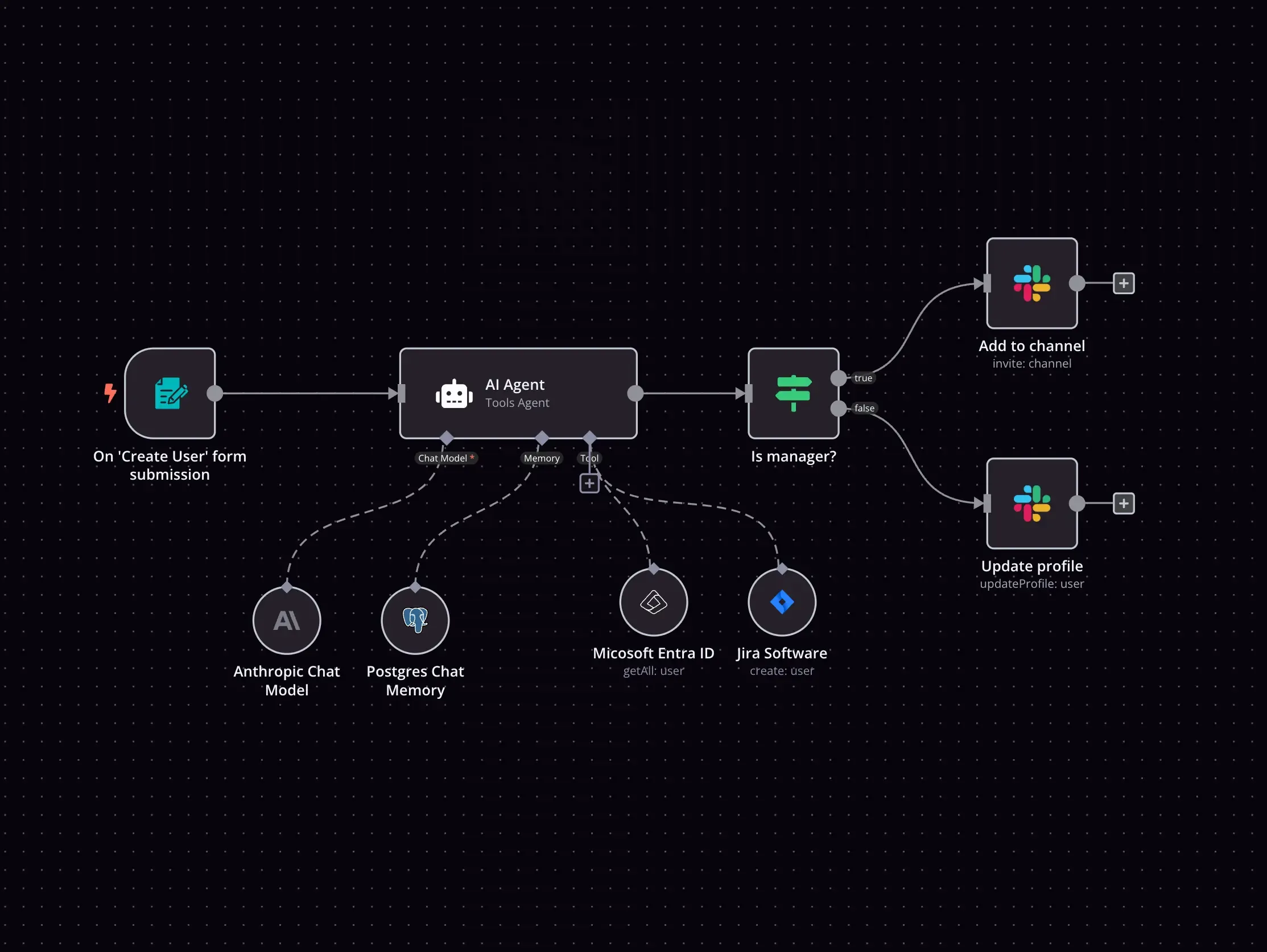
Repeated tasks, owners, reminders, status tracking, and less duplicate entry.
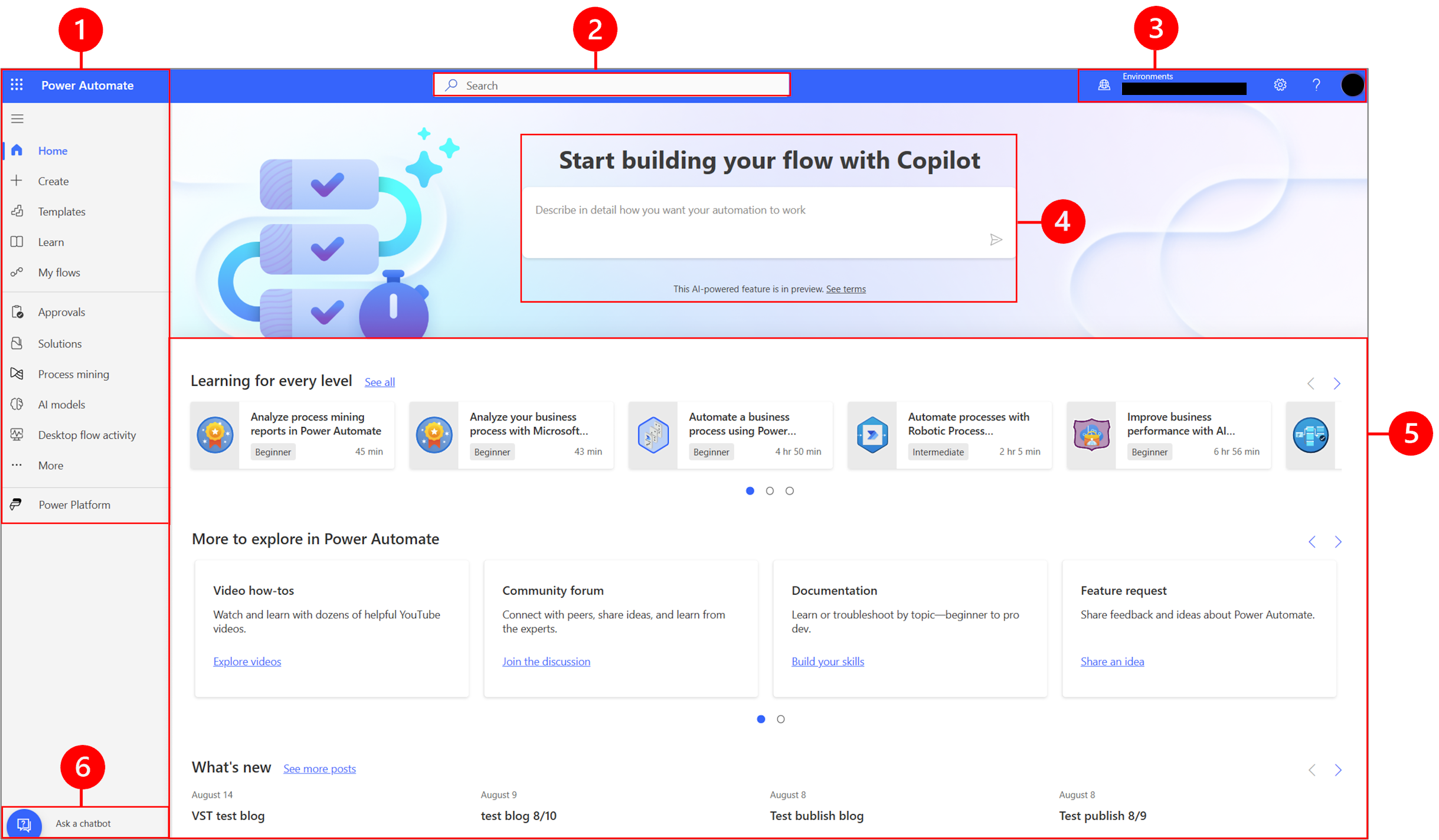
Order checks, receivables, invoices, and daily owner dashboards.
Start with this use case audit
Send OPERCEL a short description of orders, reporting, receivables, customer follow-up, or repeated data entry. The first response will focus on a small, clear automation plan that can be validated against real work.
AI & Automation are not only for large enterprises.